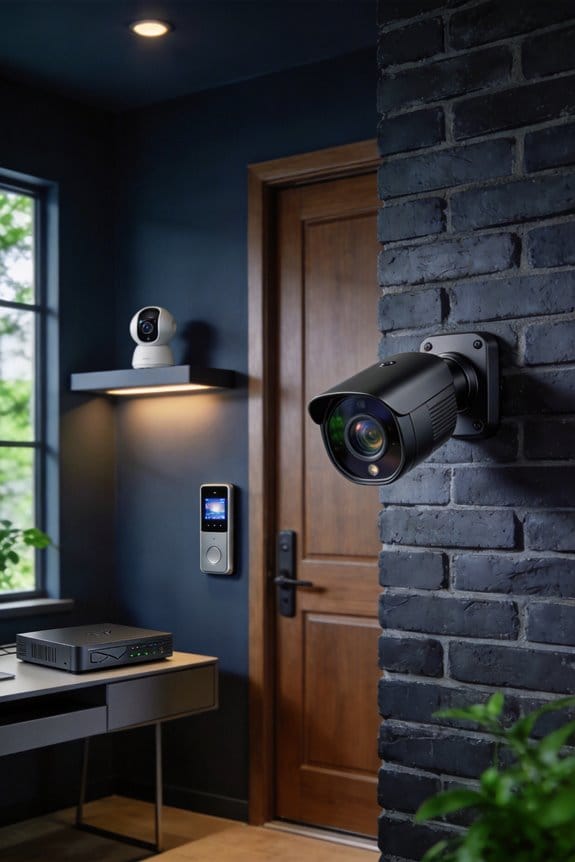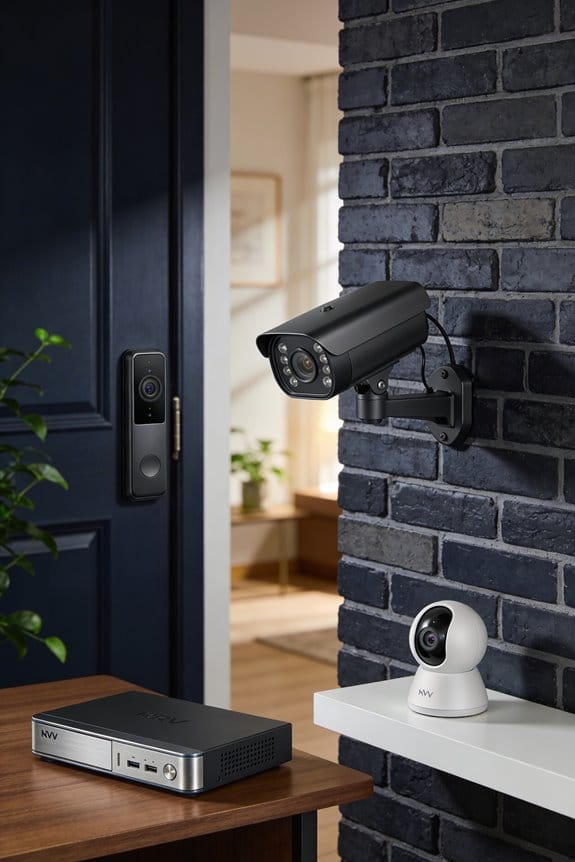


I’ve found that integrating security cameras with smart thermostats creates occupancy-aware climate systems that can reduce your annual heating and cooling costs by approximately 26%, saving around $284 per year for the average household. Cameras with 180-degree fields of view detect room occupancy and send signals to thermostats, preventing HVAC systems from conditioning empty spaces while automatically adjusting temperatures based on your daily patterns. This guide covers compatible systems like Ecobee’s native integration, installation requirements, sensor placement strategies, and total investment costs to help you evaluate this emerging technology.
Key Takeaways
- Security cameras with 180-degree views provide superior occupancy detection compared to traditional single-location thermostats, reducing device clutter through dual functionality.
- Camera-based occupancy sensing can reduce annual energy costs by approximately 26%, saving households around $284 yearly by preventing HVAC waste.
- Initial system investment ranges from $600-$700, with smart thermostats costing $249-$329 and 1080p cameras approximately $179 each.
- Ecobee offers native camera-thermostat integration supporting up to 32 devices, while Nest requires complicated third-party solutions for automation.
- Strategic camera placement in common areas enables quick motion detection signaling, automatically adjusting temperatures while maintaining privacy in personal spaces.
Why Add Cameras to Your Smart Thermostat? Occupancy Detection Explained

Have you ever wondered why your thermostat might not be keeping your home as comfortable as it could? Traditional thermostats just read the temperature from one spot, which isn’t always accurate or effective. Here’s a thought: if you combine your smart thermostat with security cameras, you can create a network that truly understands when and how you use your space.
Camera advantages are pretty impressive. They offer 180-degree fields of view and can actually spot when someone enters a room. When your HVAC system knows a room is in use, it can adjust the temperature accordingly, potentially slashing your heating and cooling costs by around 26% each year.
Integrating security cameras into your home setup streamlines things a bit. You won’t have a pile of devices cluttering your home; instead, you get surveillance and temperature control working together. For example, when a camera detects motion, it can automatically adjust the thermostat. No more heating or cooling empty rooms. This kind of technology pairs nicely with dedicated occupancy sensors, so you end up with a home that knows your patterns and restores your preferred settings right when you walk in.
So, why does this matter? Well, if you’re looking to save some money and make your home smarter, combining a thermostat with security cameras could be the way to go. The best part? You’re not just getting cool tech; you’re investing in your comfort and savings.
In the end, think about how these improvements could enhance your living space. Isn’t it nice to know your home is working for you?
Recommended Products

Wide, head-to-toe view – Industry-leading field of view helps you clearly see visitors and packages

Meet the 3rd gen Nest Learning Thermostat. It has new rings and a big, sharp display. And it saves energy. That's the most beautiful part.

Brand: Honeywell
Save up to 26% on Heating Bills With Camera-Based Occupancy Sensing

When it comes to keeping your energy bills manageable, have you ever thought about how much you’re spending on heating and cooling? Camera-based occupancy sensing might be exactly what you need. Research suggests that using this tech can cut your annual energy costs by about 26%. For the average household, that’s around $284 saved each year—definitely worth considering!
The magic happens when these cameras track whether a room is occupied. Without them, your HVAC system might keep running full blast in empty rooms, wasting energy and money. But here’s the trick: these integrated systems not only automate temperature control. They also learn your daily patterns, so they can adjust the climate before you even walk through the door.
Think about it—room-by-room temperature management can save a lot of wasted energy. You get to enjoy the comfort you want, only when you need it. Motion-triggered adjustments make sure you’re cozy without heating up a space that’s just sitting empty.
So, why does this matter for you? Instead of just thinking about energy efficiency, consider how these smart systems can contribute to a more comfortable living environment. Frankly, who wants to walk into a freezing house after a long day from work?
The best part is that you can enjoy both savings and comfort without needing to constantly fuss with your thermostat. If you’re curious about making the switch, it might be time to explore how camera-based solutions can work for your home.
To sum it up, investing in this technology could be a smart choice for cutting down your heating bills while ensuring that you live in a home that feels just right. What do you think? Are you ready to take the plunge into smarter home tech?
Recommended Products

Save up to 26% per year on heating and cooling costs. ENERGY STAR certified. Included SmartSensor (50 dollar value) prompts your thermostat to make temperature adjustments ensuring comfort. Compared to a hold of 72°F/22°C

No more programming: With Auto-Schedule, the Google Nest Learning Thermostat learns from you and programs itself..Product note: You can also check your system’s compatibility before purchasing a Nest thermostat with our online Nest Compatibility Checker on the Google Nest support page

Programmable smart thermostat that learns your schedule and the temperatures you like and programs itself to help you save energy and stay comfortable
How Camera Motion Detection Triggers Automatic Thermostat Adjustments

Have you ever walked into a room and found it either too hot or too cold? It can be frustrating to constantly adjust the thermostat every time you move around. Luckily, there’s a way to make your home smarter with a little help from your security camera.
When your camera detects someone in the room, it can send a quick signal—usually within just a few seconds—to your smart thermostat. This means that as soon as you enter a space, the thermostat kicks in to bring it back to your preferred temperature. You won’t have to mess with the controls each time, plus you’ll save energy by not heating or cooling empty spaces.
So, which cameras work best for this? Well, those with 180-degree viewing angles tend to do a better job at recognizing when someone is around. With this wider view, your thermostat can better learn your habits and adjust on its own. This can help you save on energy bills while keeping the comfort levels just right when you’re home.
Here’s the trick: If you haven’t already, consider upgrading to a smart camera that can sync with your thermostat. It makes life so much easier, especially on those days when you’re in and out of rooms a lot. Plus, you’ll probably find it comforting knowing your home is adapting to your presence.
Truth is, these small adjustments in how we use technology can lead to big changes in our daily lives. If you’re looking for a way to enhance your home’s efficiency and comfort, motion-detecting cameras paired with smart thermostats might just be the way to go. Have you thought about making your home smarter?
Recommended Products

AI FEATURES - This 12MP Fisheye AI PoE Camera features deep IVS: Tripwire & Intrusion. Supports People Counting in area, and Heat Map (Smart NVR Required, ASIN: B08CJJC9HN, B08CJMRQPY) supports people counting in 4 areas. Intelligent Search, event extraction and merging to event videos (Smart NVR Required; Not Included). Offers 12MP @25fps video with a super-wide 360° panoramic view. A PoE injector or switch is required; not included.

4K PoE System with 180° View--This complete security kit includes an 8-channel NVR with a pre-installed 2TB hard drive and 4pcs 8MP dual-lens PoE bullet camera. Featuring a built-in stitching algorithm, the camera delivers a seamless 180° ultra-wide viewing angle, providing comprehensive coverage with superior 8MP video quality
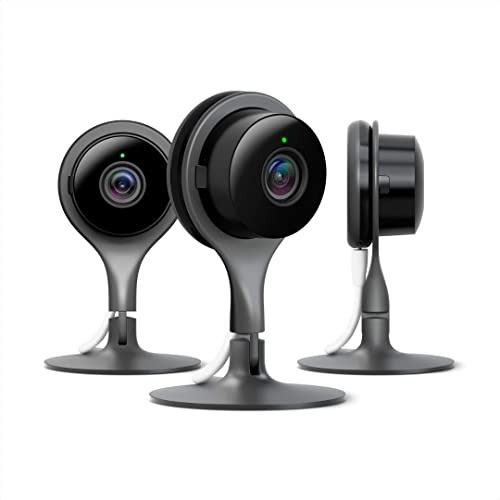
Indoor WiFi camera 3 pack for home security with 24/7 live video and night vision for clear video, no matter how dark it is[1]
Ecobee vs. Nest: Which Smart Thermostats Work With Security Cameras?
How do ecobee and Nest thermostats stack up when you’re trying to create a seamless security and climate control system? Let’s dive into the main differences in how these two brands integrate with security cameras.
Ecobee Features Native Camera Integration
Ecobee thermostats offer a straightforward way to connect with their own SmartCameras. You get 1080p video quality and a wide 180-degree field of view. It’s pretty handy that you can link up to 32 devices such as motion sensors and smart cameras for a more complete occupancy detection system. This means your thermostat can adjust the temperature based on who’s home, using real-time data. So, how does that sound for efficiency?
Nest Compatibility Requires Third-Party Workarounds
On the other hand, Nest thermostats don’t offer direct integration with Nest cameras when it comes to managing your home’s climate based on occupancy. Sure, both your thermostat and cameras can connect through Google Home, but if you want to automate temperature adjustments based on your presence, you’re looking at some extra steps. You’ll have to rely on IFTTT automation or Google Assistant routines instead of a built-in feature that just works together.
Recommended Products

"Doorbell Camera View & Intercom: See and speak to visitors at your door directly from the thermostat – compatible with First Alert VX1 and Ring streaming doorbells (not included)"

Customizable Display: A sleek 4.3” display delivers enhanced visibility with the option to choose the color and style to match your home
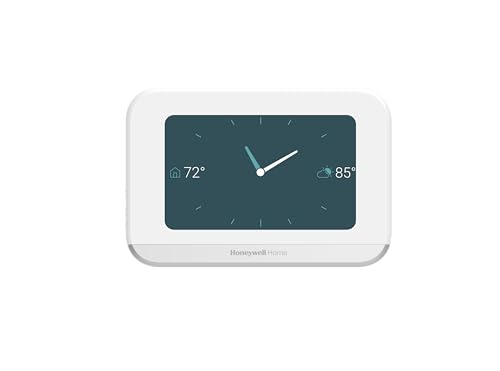
Customizable Display: A sleek 4.3” display delivers enhanced visibility with the option to choose the color and style to match your home
Installation Requirements: 45-Minute Setup and 60-Foot Sensor Placement
Once you’ve picked out your smart thermostat and camera setup, it’s time to think about how you’re going to install everything. You don’t want to dive in without having a game plan that includes time and space.
Installation Time Expectations
Allocate at least 45 minutes to hardwire your smart thermostat into your HVAC system. That’s if everything goes smoothly! If you encounter any tricky configurations, don’t be surprised if you need a bit more time for testing and calibration. It’s not just about slapping it onto the wall; it’s about making sure it works right.
Sensor Range Specifications
Think about where you’re placing your occupancy sensors. They need to stay within 60 feet of the thermostat hub for reliable wireless connectivity. This proximity is key to keeping everything connected. Your SmartSensors have a 140-degree viewing range, which gives you flexibility, while cameras come with a wider 180-degree field of view, ensuring you can cover a lot of ground.
Placement Strategy
Before you start installing, map out your home’s floor plan. Where are the high-traffic areas? These spots are ideal for motion detection since they’ll give you the best occupancy data. Just remember to respect privacy in places like bedrooms and bathrooms—nobody wants to feel like they’re being watched at home, right?
In the end, taking a bit of time to plan will pay off big time during installation. Are you ready to make those upgrades?
Camera Privacy Concerns and Where to Position Sensors in Your Home
When you’re thinking about adding cameras to your smart home setup, it’s hard not to worry about privacy. These cameras are always watching, after all. It makes sense to place them in common areas—like hallways, living rooms, and entrances—where you’re already less concerned about privacy. But definitely steer clear of bedrooms and bathrooms; those spaces should feel completely private.
So, how do you angle those cameras? Here’s the trick: for devices with a 180-degree field of view, point them towards busy areas. This way, you can track movement without intruding into personal moments. For SmartSensors with a 140-degree view, placing them in corners around 60 feet from your thermostat hub can help cover your space well. This setup keeps an eye on things while respecting everyone’s comfort.
When setting up your cameras, consider scheduling their recording times. You might want to turn them off during certain hours when you and your family need privacy. Also, setting motion-only zones can be a real lifesaver; these areas can trigger your thermostat without storing any unnecessary footage.
Honestly, taking these steps can really help balance security and privacy at home. Are you ready to make your space feel safer while still respecting boundaries?
Total System Cost: Thermostat, Cameras, Sensors, and Monthly Monitoring Fees
Budgeting for a smart home security and climate control system can feel like a huge task. Have you ever thought about the costs involved? We usually think about convenience and peace of mind, but there’s a price tag attached.
When you start breaking it down, you’ll find that the total system cost really includes a few key components. Here’s what you’re looking at:
- Smart thermostat: $249-$329
- Security cameras (1080p models): $179 each
- Multiple occupancy sensors (two-packs): $79
Adding everything up, your initial investment will roughly land between $600-$700 for the essentials. It’s a substantial chunk of change, but it could be worth it in the long run.
Don’t forget about the ongoing monthly monitoring fees! These can vary quite a bit, starting at around $5 for basic cloud storage and going up to $15 if you want professional monitoring. This adds anywhere from $60 to $180 to your yearly expenses, which can be a bit of a shock if you’re not prepared.
So, why does this matter? Well, while the upfront costs can sting, there are potential savings to consider. With occupancy-based climate control, you could save an estimated $284 per year on energy bills. That’s a decent return on your investment and could help cover those monthly monitoring fees within the first year!
Truth is, once you add everything together, you’ll need to think seriously about whether this investment makes sense for your home. But if you value energy savings and enhanced security, it might be a budget move worth making. Do you see this as a step in the right direction for your home?
Recommended Products
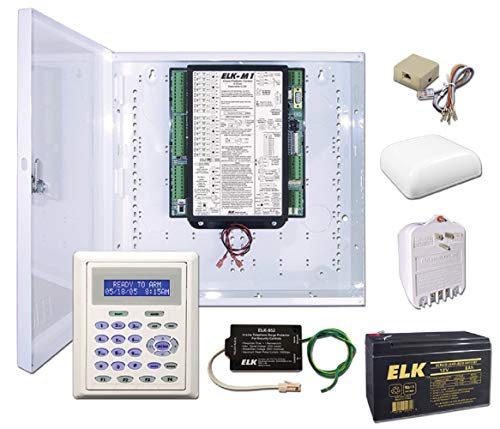
Comprehensive security, energy management, and control solution for residential and light commercial applications.

Full-Color LCD Touchscreen: Enjoy a clear, easy-to-read display showing current and set temperatures, time, humidity levels, and system status. Conveniently monitor outdoor temperature when paired with an optional outdoor sensor.

Works with Alexa for voice control
Frequently Asked Questions
Can Existing Security Cameras Integrate With My Current Smart Thermostat System?
I’ll need to check your camera’s compatibility with your thermostat model. Many modern security cameras support thermostat integration through shared ecosystems like ecobee or third-party platforms, but older systems may require additional hardware or updates.
Do Occupancy Sensors Work Reliably With Pets Triggering False Motion Detection?
I’ll be honest – pet sensitivity settings vary by system, but motion detection accuracy can struggle with larger pets. Advanced occupancy sensors use person detection technology to distinguish humans from animals, minimizing false triggers from your furry friends.
What Happens to Thermostat Automation if Wi-Fi or Power Goes Out?
I’ll explain thermostat recovery differences: While camera-based occupancy sensors completely stop working during outages, alternative sensors with battery backup maintain basic programming. Your thermostat reverts to its last schedule until connectivity restores, though remote control becomes unavailable.
Can Multiple Thermostats Share Data From the Same Security Camera Network?
Yes, I can confirm that multiple thermostats often access shared data from one camera network, though camera compatibility varies by brand. Ecobee’s ecosystem, for example, allows up to 32 sensors connecting simultaneously to multiple thermostats within range.
Do Camera-Thermostat Systems Function Properly in Multi-Story or Large Homes?
Like puzzle pieces fitting together, camera-thermostat systems work excellently in expansive spaces. I’ve found multi story challenges resolve through strategic sensor placement, while large home solutions involve connecting up to 32 devices for extensive coverage.