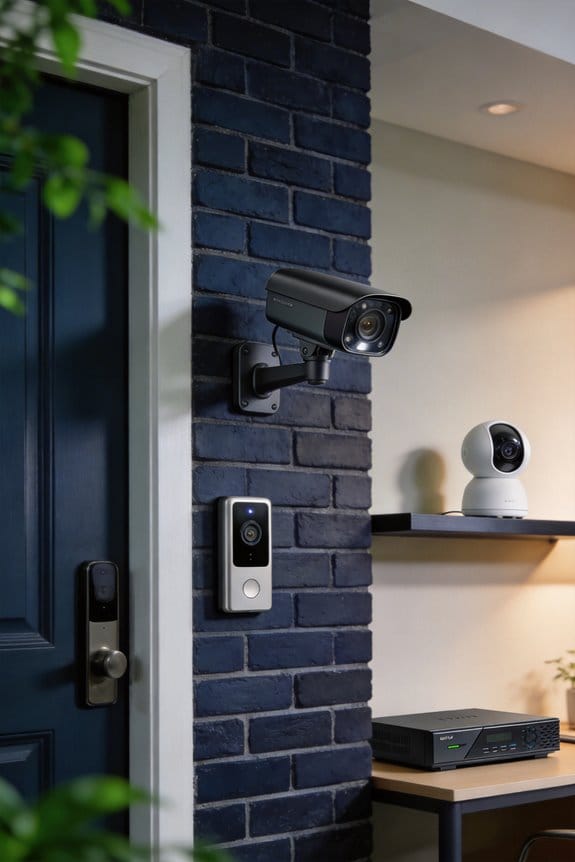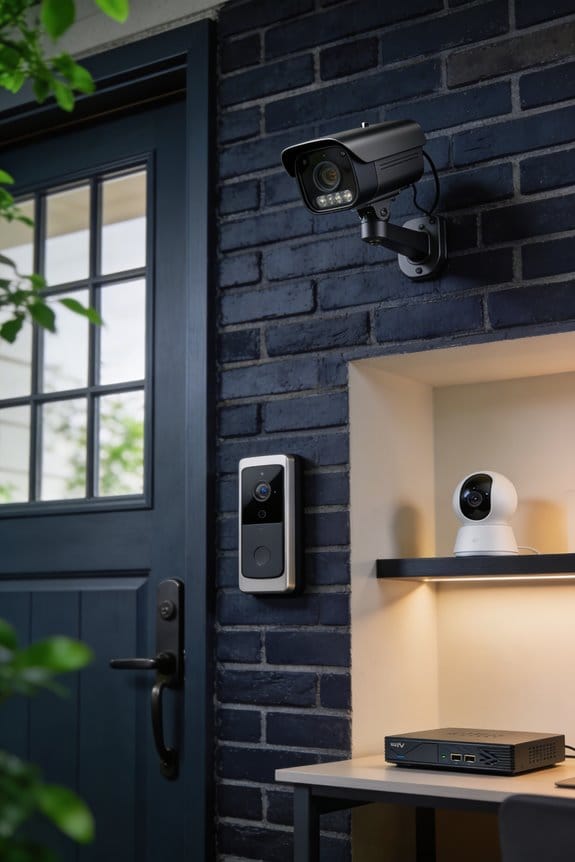
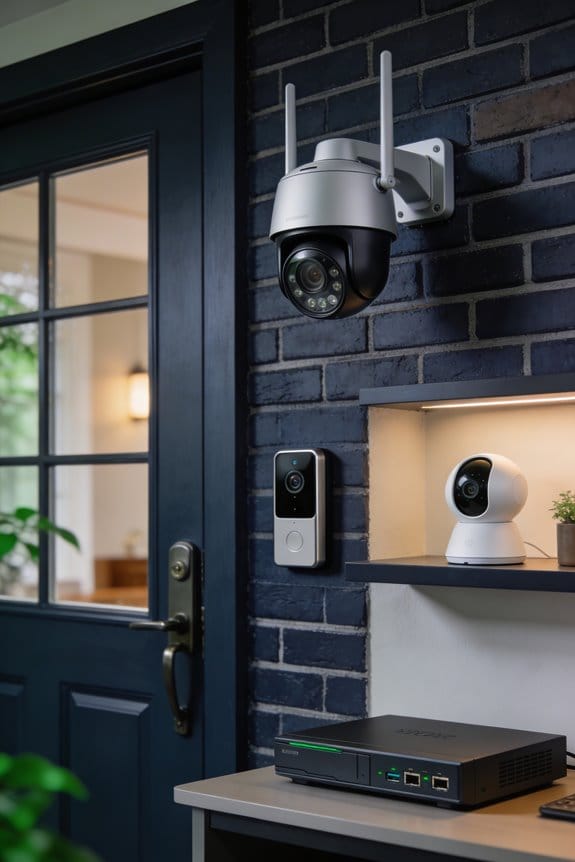

I’ve found that generative AI now transforms your security camera footage into precise text alerts, replacing vague “motion detected” notifications with specific descriptions like “delivery driver in blue uniform leaving package at front door.” The technology uses computer vision and speech-to-text conversion to analyze hours of video in minutes, achieving 99% accuracy in identifying people, pets, and objects by their colors, sizes, and actions. Below, I’ll explain which tools homeowners can access, what they cost, and how your footage remains private.
Key Takeaways
- AI transforms vague motion alerts into detailed notifications by identifying shapes, colors, and actions with 99% accuracy.
- Generative AI processes hours of footage in minutes using computer vision, speech-to-text, and real-time compression technology.
- Smart alerts describe specific events like package deliveries and pet activities, eliminating need for manual footage review.
- Tools range from free options to Ring’s $20/month subscription, processing videos with under-$2 and sub-five-minute turnarounds.
- Users retain video ownership while platforms access footage for analysis, requiring careful review of privacy and data retention policies.
What AI Video Summaries Do for Home Security

When your doorbell camera picks up motion, it can feel overwhelming to sift through the footage to check for anything important. But with AI video summaries, things are a lot easier. Instead of getting hit with a vague “motion detected” message, you’ll receive detailed alerts like “person in brown jacket approaching door with package.” This kind of information allows you to quickly tell if it’s just a delivery person, a neighbor, or potentially something more concerning.
What’s the trick? The AI analyzes the video in real-time, breaking down shapes, colors, and actions to provide concise text notifications straight to your smartphone. This means less time wasted on irrelevant clips of passing cars or your neighbor’s dog wandering around. It really cuts down on that notification overload we all dread.
Here’s where it gets even better: Ring’s recent beta feature for Home Premium subscribers boasts 99% accuracy in processing existing footage. You get specific event descriptions that help you make informed decisions without wading through endless video clips. So, if you’re concerned about security—who isn’t?—implementing this technology can truly make a difference.
Recommended Products
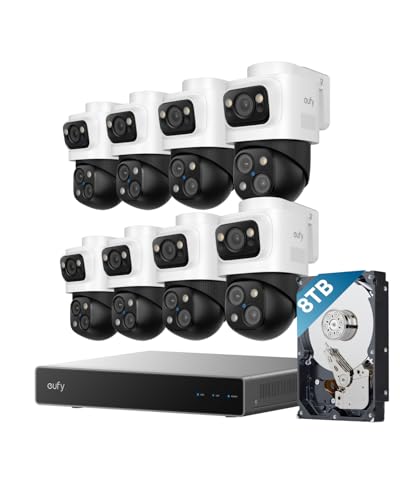
4K Triple-Lens Bullet-PTZ Camera: The upper 4K wide-angle camera provides a 122° fixed view of the entire scene, while the lower 2K PTZ camera features 8× auto-zoom and 360° pan for complete coverage. NOTE: To ensure you can use our PoE NVR Security System smoothly, please make sure your eufy APP is updated to the latest version of iOS V5.0.70/Android V5.0.71 or above.

INCREDIBLE 12MP UHD IMAGE -- Mind-blowing 12MP PoE security camera system becomes affordable for your home and business security. Subtle details are recorded to ensure your peace of mind.

INCREDIBLE 12MP UHD IMAGE -- Mind-blowing 12MP PoE security camera system becomes affordable for your home and business security. Subtle details are recorded to ensure your peace of mind.
How AI Summarizes Hours of Video in Minutes

Have you ever stared at hours of video footage, feeling overwhelmed just thinking about how long it’ll take to find that one important moment? You’re definitely not alone. Thankfully, AI video summarization is here to make that tiresome task a lot easier.
This technology doesn’t just produce quick security alerts; it tackles the hefty job of sifting through tons of recorded video in a fraction of the time it would take you. It integrates video compression with real-time processing, layering multiple AI techniques to work its magic.
Here’s how it works: First, there’s speech-to-text conversion, which captures what’s being said in the video—think of it as creating a transcript with nearly 99% accuracy. It even identifies who’s talking along with timestamps, which can be a huge help when you’re looking for specific details. At the same time, AI uses computer vision to keep track of what’s happening visually. It identifies objects, recognizes faces, and follows movements frame by frame. Then, large language models pull everything together, turning those audio and video pieces into clear, concise summaries.
Processing times are a real highlight. A 2-hour video can be summarized in under 3 minutes, and if you have a 1-hour clip, it’ll only take about 5 minutes for a summary. This means you can pull out the key 5-10 minutes of valuable content from videos that usually take 30 to 60 minutes to go through. And the cost? It’s surprisingly low—less than $2 for every hour of video processed.
So, why does this matter? It makes handling video content not just easier but a lot more manageable. If you’ve ever felt the frustration of finding the needle in the haystack, consider how this technology can save you time and energy.
Recommended Products

INNOVATIVE ART POWER: Turn your simple sketches into works of art instantly using Sketch to Image¹ with Galaxy AI.²

【Mobvoi TicNote AI-Powered Recording, Transcription & Summaries】 TicNote is an AI-driven all-around recorder designed for meetings and calls. Every device comes with 600 minutes of complimentary transcription time. It supports recording, transcription, summarization and mind map generation, and supports fast and accurate transcription in 100+ languages. Shadow is driven by advanced AI models such as GPT-4.1, GPT-4o, GPT-4o-mini, and DeepSeek-R1. Based on powerful AI capability, users can create summaries, meeting minutes, and to-do lists to improve daily work efficiency. Built-in AI assistant Shadow.
![WavePad Audio Editing Software - Professional Audio and Music Editor for Anyone [Download]](https://m.media-amazon.com/images/I/B1fcLEGCs6S._SL500_.png)
Full-featured professional audio and music editor that lets you record and edit music, voice and other audio recordings
Track Deliveries, Pets, and Home Inventory With AI Alerts

Have you ever missed a package because you were too busy to monitor the delivery? It can be frustrating, especially when you’re expecting something important. That’s where Ring’s AI technology steps in to make your life a bit easier.
At first, the alerts were quite basic, just notifying you when motion was detected. But now, these AI-powered summaries give you actionable descriptions. Instead of vague messages, you get specific notifications like “delivery driver leaving a brown package at the front door” or “black dog walking through the backyard.” This makes it super easy to act quickly without needing to watch hours of footage.
When it comes to keeping an eye on your pets, the AI really shines. It can recognize animals based on their color and size, so you can track what your furry friends are up to outside. Imagine knowing exactly when your dog decides to dig in the garden or explore the neighborhood. Pretty handy, right?
Here’s the trick: consider using the AI to keep tabs on your household inventory too. You can do this by recording short 2-3 minute walkthroughs of your rooms. The AI will identify and catalog your items, which is perfect for insurance documentation. Plus, maintaining searchable records helps with warranty management and even estate planning down the line.
You get to stay informed without the hassle of constantly checking footage or worrying about what might happen while you’re away. So, why does this matter? It streamlines several household tasks, giving you peace of mind that you won’t miss out on important events or deliveries.
In a nutshell, this tech not only keeps your packages safe but also helps you monitor your pets and manage your home. How can you see yourself using these features to make your daily life easier?
Recommended Products

4K Triple-Lens Bullet-PTZ Camera: The upper 4K wide-angle camera provides a 122° fixed view of the entire scene, while the lower 2K PTZ camera features 8× auto-zoom and 360° pan for complete coverage. NOTE: To ensure you can use our PoE NVR Security System smoothly, please make sure your eufy APP is updated to the latest version of iOS V5.0.70/Android V5.0.71 or above.

Total Property Coverage with Revolutionary 2-In-1 Design: Secure every corner of your property with zero blind spots. In this 4-camera bundle, every single device does the work of two. The innovative Triple-Lens system combines an upper 4K bullet lens (130° wide view) with a lower 2K PTZ lens that locks on, tracks, and zooms. Get both the complete scene and crucial close-ups at the same time. It’s the perfect all-in-one security solution for large estates, sheds, rental.
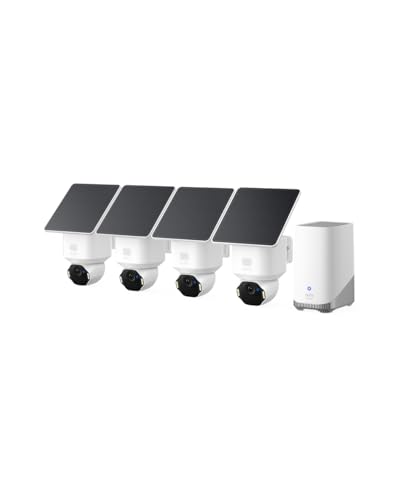
Ultra HD 4K Clarity: Features true 4K UHD resolution to capture every detail around your home. It can even recognize license plates up to 33 ft (10m) away.
Which AI Video Tools Work for Homeowners
Are you tired of wading through hours of video footage just to find the information you need? You’re not alone. Thankfully, there are several AI video tools designed specifically for homeowners that can help streamline this process without needing a tech degree or breaking the bank.
Take Ring’s AI summaries, for instance. This is just one option among many that can simplify how homeowners manage video content. ScreenApp is a solid choice as it can process videos up to two hours in under three minutes. Plus, it boasts 99% transcription accuracy, speaker detection, and even creates timestamped chapters—all in over 100 languages. Pretty impressive, right?
If you’re dealing with footage from AWS, the Video Insights Engine can handle an entire hour in less than five minutes for under $2. It offers summaries, sentiment analysis, and action items from your content. MongoDB’s GenAI Video Summarizer is also notable; it makes it easy to perform semantic queries on stored transcripts, which can save you a lot of time.
But maybe you’re more focused on security? That’s where Ring shines, providing real-time alerts so you don’t get overwhelmed by notifications. Each of these AI video solutions addresses different needs—whether it’s for security monitoring, documentation, or extracting knowledge. This means you can pick tools that fit your specific property management requirements.
What AI Video Summaries Cost (Free and Paid Options)
Looking for a way to summarize your videos without spending a dime? You’re in luck! There are some free AI video summarization tools that offer decent features to help you start processing your footage right away. For instance, ScreenApp’s free tier allows you to process up to three videos a month, each lasting up to 45 minutes. You’ll get 99% transcription accuracy, speaker detection, and timestamped chapters in over 100 languages. Plus, you can upload files like MP4, MOV, AVI, MKV, or WebM, as long as they’re under 2GB, and the best part? You don’t even need to create an account!
Now, if you’re looking for something that works with YouTube, check out MongoDB’s GenAI Video Summarizer. It’s free to extract transcripts and use semantic search with YouTube URLs. So, why does this matter? If you’re working with online videos, these tools can save you a ton of time.
For those who need advanced features, there are affordable paid options. Ring offers AI summaries that require a Home Premium subscription, which costs $20 a month or $200 annually in the US. This service provides real-time descriptions, such as “person walking up steps with black dog,” rather than generic motion alerts, and works with your existing doorbells and cameras.
Honestly, these tools can really enhance how you manage and analyze your video content. Whether you’re a homeowner wanting to keep an eye on things or someone working with professional footage, there’s something here for everyone. Remember, free options can give you a jumpstart, but don’t be shy about investing in your needs if you find you’re hooked.
In the end, it’s all about finding what fits your workflow best. Have you tried any video summarization tools that helped you streamline your process?
Recommended Products
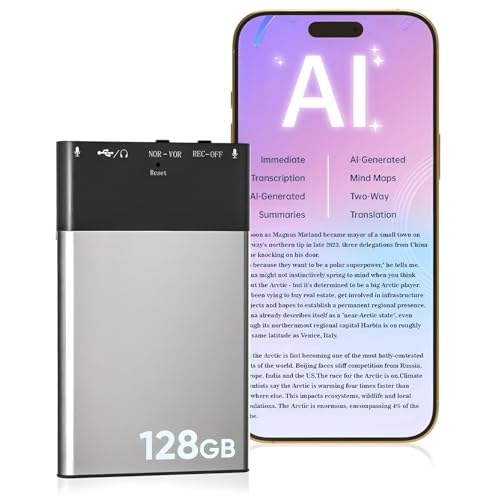
【AI-Driven Intelligent Recorder】 Our AI Voice Recorder is a sophisticated AI-driven device engineered for meetings, conversations, and daily note-taking. It provides...
Who Sees Your Video When You Use AI Tools?
Privacy concerns pop up when you start uploading personal videos to AI platforms. You might wonder where your footage actually goes, who gets to see it, and how long it sticks around. When you use Ring’s AI summaries, your doorbell and camera footage is processed on Amazon’s secure servers. Even though you maintain ownership of your videos, Ring does access them for analysis, so be aware of that service agreement.
Then there are third-party tools like ScreenApp and MongoDB-based summarizers. They often store your uploads in the cloud, but the rules on how long they keep your videos vary. Some may delete them right after processing, while others might hold onto them for up to 30 days.
Here’s the trick: always check each platform’s privacy policy. Look specifically for how they share data with third parties, what encryption measures they have in place, and if there are human reviewers going through your content for quality control or training purposes. So, why does this matter? Because it’s your personal footage, and knowing how it’s handled can guide your choices.
Honestly, understanding these details not only helps you feel secure but also ensures that you’re making informed decisions. You wouldn’t want to unknowingly share your private moments with just anyone, right?
To wrap it up, be smart about your video uploads. Review those privacy policies before you hit that upload button. What measures do you take to protect your personal content online?
Frequently Asked Questions
Can AI Video Summaries Work Offline Without Internet Connectivity?
I’d say no—AI video summaries require internet connectivity for cloud-based data processing. The systems rely on services like AWS, MongoDB Atlas, and remote LLMs to analyze footage. Offline functionality isn’t supported in current implementations I’ve reviewed.
How Long Does AI Store Video Footage After Processing Summaries?
I don’t find specific video retention policies in the knowledge provided. However, data privacy and storage duration typically depend on your service provider’s terms—Ring, AWS, or other platforms each set their own retention schedules and deletion options.
Does AI Summarization Drain Battery Life on Wireless Cameras Faster?
I haven’t found evidence that AI summarization substantially impacts battery consumption on wireless cameras. The processing occurs on cloud servers after footage uploads, so energy efficiency remains similar to standard motion detection and recording features you’re already using.
Can Multiple Family Members Receive Different AI Summary Notifications Simultaneously?
While Ring’s beta currently sends identical alerts, I’d expect future updates to let family accounts customize notification settings individually. You’ll eventually filter alerts by person types or activity zones, while I receive everything—perfect for household flexibility.
Will AI Summaries Work With Older Doorbell Models From Previous Years?
Yes, Ring’s AI summaries are compatible with existing devices during the beta rollout. However, I’d watch for potential compatibility challenges with much older models, as summarization accuracy might vary depending on your doorbell’s video quality and processing capabilities.