
I’ll show you how to trigger complex home automation by integrating YOLO object detection with Home Assistant through MQTT messaging, where cameras analyze what’s moving—distinguishing people, pets, and vehicles—rather than just detecting motion. You’ll need at least 1080p cameras at 15 fps, local edge AI hardware like Coral USB Accelerators or NVIDIA Jetson Nano boards for fast processing, and confidence thresholds set between 70-85% to balance accuracy with false alarm reduction. This approach lets you create object-specific automation triggers that execute different actions based on what your cameras identify, and the complete implementation process covers hardware selection, YOLO configuration, multi-camera tracking setup, and optimization techniques that’ll transform your basic motion sensors into an intelligent security system.
Key Takeaways
- YOLO-based object detection achieves 98% accuracy, enabling smart homes to trigger specific automations for different detected objects like people, pets, or vehicles.
- Configure cameras with RTSP streams and set confidence thresholds between 70-85% to balance accurate detection with minimal false alarms.
- Monitor MQTT topics like `frigate/events` to create distinct automation triggers based on object type, confidence score, and camera location.
- Multi-camera tracking with overlapping coverage uses unique object IDs to maintain consistent identification across camera feeds for complex routines.
- Local processing hardware like Coral USB Accelerators or NVIDIA Jetson Nano reduces latency and enables real-time automation responses.
Why Object Detection Beats Motion-Only Home Automation
Have you ever felt overwhelmed by constant alerts from your home security system? Traditional motion-based automation can trigger notifications for everything from traffic outside to branches waving in the wind. This can lead to alert fatigue that makes you question the whole purpose of having a security system in the first place.
Here’s the trick: using object detection can make a world of difference. Unlike basic motion sensors that just pick up movement, object detection systems actually analyze what’s moving. Instead of receiving alerts from every little thing, you’re only notified when it truly matters. For example, systems that use YOLO-based detection have proven to be super accurate, with more than 98% accuracy rates. This means that out of 50 alerts, only one could be a false alarm. That’s a significant improvement, right?
The best part is that this smart filtering process saves you from the hours of frustration spent fine-tuning your motion detection settings. With confidence scoring, you can set reliability minimums to ensure that only the most relevant alerts reach you. So, rather than stressing over shadows or pets roaming around, you get instant notifications for things like people approaching your front door or unexpected packages being delivered.
You might wonder why this matters in everyday life. Well, when your system can distinguish between meaningful movement and background noise, it becomes much more useful. It’s all about creating an automation setup that responds appropriately to real security events and not just a flurry of irrelevant notifications.
In short, switching to object detection can dramatically simplify your home automation routine. Why not make your security system work smarter for you?
Choose Cameras and Edge AI Hardware for Local Detection
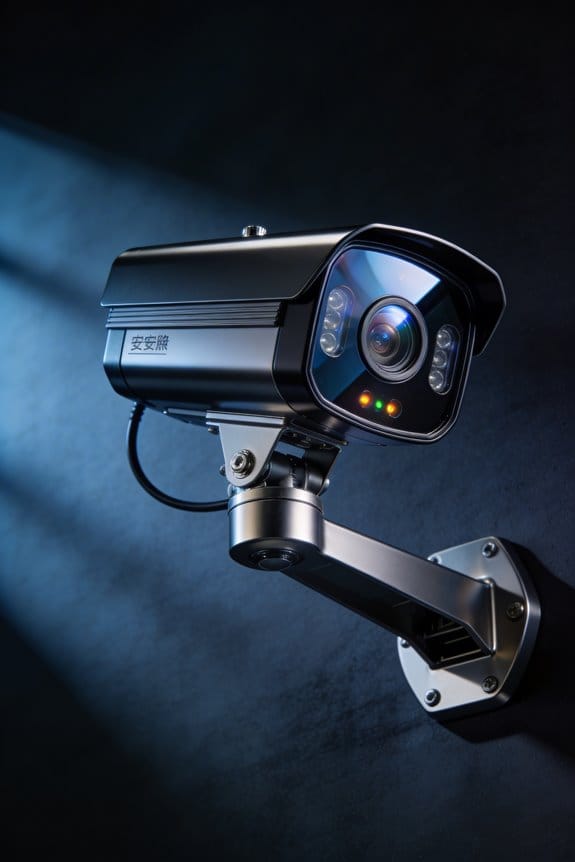
Object detection’s accuracy doesn’t really mean much if you’re stuck using hardware that can’t keep up with your camera feeds. What’s worse? Sending all your footage off to some faraway cloud server for the processing. That’s a hassle nobody needs.
Camera Selection Criteria
When picking out cameras, I’d suggest going with options that have at least 1080p resolution at 15 fps. This gives you enough detail for accurate object classification without bogging down your processing hardware. Also, make sure that your chosen platform is compatible with your camera’s connection type. USB cameras are easy to work with on Coral Dev Boards, while IP cameras tend to play nicer with NVIDIA Jetson systems or dedicated NVRs that run detection software.
Edge Processing Options
If you want to avoid cloud issues altogether, consider local processing with Coral USB Accelerators for around $60 or Jetson Nano boards for about $99. They can give you detection latency under 200ms, which is pretty impressive, all while keeping your video streams completely private.
So, why does this matter? Because having control over your footage can lead to better security and peace of mind. Honestly, taking the edge computing route just makes sense if you’re serious about protecting your data.
Recommended Products

Cutting-edge Nvidia Geforce RTX 5080 gaming Laptop GPU: Elevate your gaming experience with the RTX 5080 laptop GPU. Featuring a 16GB DDR7 graphic memory, Advanced Optimus support, and cutting-edge technologies like DLSS and Frame Generation, this powerful GPU delivers stunningly smooth performance and unparalleled frame rates.

Ultra-Fast Intel Ultra 9 275HX Processor: With a 65W TDP and a cutting-edge design featuring 8 Performance cores and 16 Efficient cores, , this next-gen silicon delivers unmatched frame rates in esports and AAA titles. AI acceleration in select creative applications further boosts performance, enabling faster rendering and smoother workflows

【Next-Level Speed & Power with Intel Core Ultra 7】Experience smooth multitasking, fast content editing, and high-performance entertainment with the latest Intel Core Ultra 7 processor and advanced DDR5 RAM. This HP All-in-One Desktop Computer is designed to boost productivity with built-in AI acceleration for modern workloads.
Install YOLO Object Detection With Home Assistant and MQTT
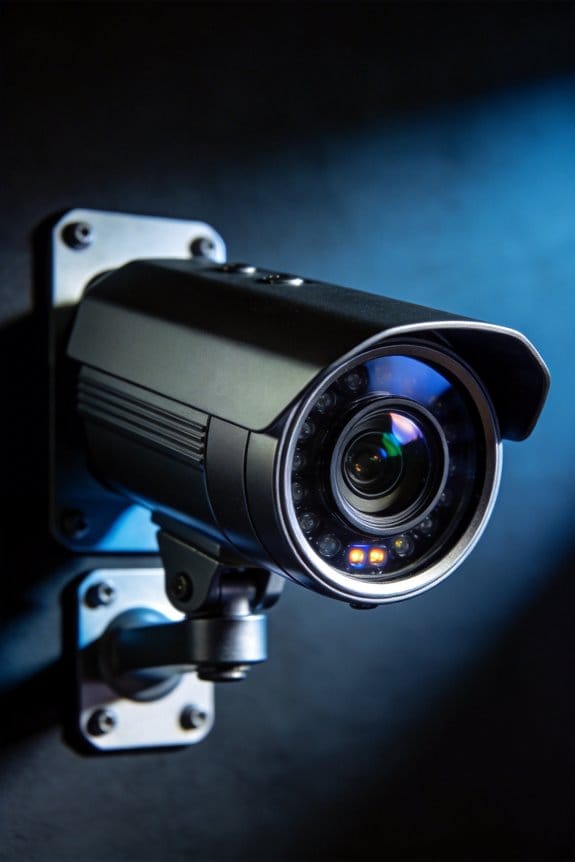
After choosing your edge hardware and cameras, you’ve probably found yourself staring at the next steps: connecting everything with software to make that detection system actually work for you. Setting up YOLO is all about getting a detection container, and you might consider options like Double Take or Frigate. You’ll want to configure your cameras with RTSP or HTTP streams, and don’t forget to set your confidence thresholds between 70-85%. Why is this important? Well, you’re aiming for a solid balance between catching what matters and minimizing those pesky false alarms.
Next, let’s talk MQTT configuration. This is the part where you link your detector to Home Assistant. Start by establishing a broker, like Mosquitto—it’s a reliable choice. Then, you’ll define topics for each camera zone. Here’s the trick: create binary sensors that spring into action when specific objects pop up in view.
When it comes to the detection events, you’ll map those to MQTT messages that include key details like the object type, confidence score, bounding box coordinates, and timestamps. This setup means your automations react to what your cameras actually see, rather than just random motion. Honestly, this can make a huge difference in how responsive your smart home feels.
Recommended Products

ALL DAY ON-THE-GO PROTECTION: This clever Mosquito Repellent Clip provides on-the-go protection all day long. Whatever you’re doing, wherever you’re going, keep your whole family protected together. PARA’KITO Mosquito Repellent Clip comes with 2 repellent pellets.

Insect repellent for semi-confined areas such as porches, patios and other areas where there is minimal breeze

Insect repellent coils for porches, patios and other areas with minimal breeze
Create Automation Triggers for People, Pets, and Vehicles
Have you ever noticed how pesky little things like forgetting to lock your doors can become a hassle? Imagine having a smart system that knows exactly when someone—or something—approaches your home. With your MQTT broker sending detection events to Home Assistant, you can set up automated triggers for people, pets, and vehicles based on what your camera sees. It’s pretty neat!
To get started, dive into Home Assistant’s automation editor. You’ll want to create distinct triggers for different object classes. This means monitoring those MQTT topics your detection system is spitting out, often labeled `frigate/events` or `yolo/detections`. Filter by object type—like person, dog, cat, or car—and set a confidence threshold above 0.75. This helps cut down on those annoying false positives that could throw your whole system off.
Now, what do you actually want your system to do? For each type of detection, you’ll want unique actions. Here’s a breakdown:
- Person: Maybe this means your front door unlocks and pathway lights turn on as they approach. It’s a nice touch for late-night arrivals.
- Pets: Detecting your furry friend could trigger the vacuum robot to take a break, so it doesn’t startle them.
- Vehicles: When a car pulls up, why not automatically open the garage door and light up the driveway? You can even set it to work based on the time of day!
So, why does this matter? Well, it makes your home smarter and your life a bit easier. Just think about waking up to a lighted pathway because your system recognized it was morning and you were about to head out.
Recommended Products
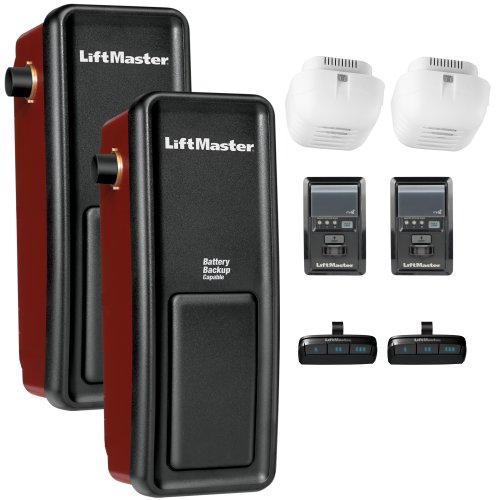
Side-mount design saves ceiling space and provides a sleek, modern installation option ideal for garages with limited headroom or obstructions

SMART WIFI AUTOMATIC SWING DOOR:Smart WIFI Phone APP control automatic door opener,Compatible with Phone App,Alexa and Google home,voice control automatic front door opener
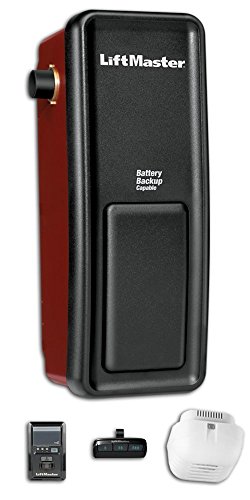
Will receive the all new 98022 replaces 8500
Build Multi-Camera Tracking Across Rooms and Zones
Have you ever noticed how tricky it can be to keep an eye on all areas of your home? Individual cameras often miss out on capturing everything because they have a limited field of view. That’s where a multi-camera tracking system comes in handy. Instead of just relying on one camera for a room, consider setting up multiple cameras to cover different zones in your space.
To get started, think about where to place your cameras. Try installing them at key points like doorways and hallways, especially where zones overlap. This way, your cameras can catch movement as people or objects transition from one area to another. Plus, having that overlapping coverage means you won’t miss anything crucial!
When you’re ready to set up your object detection software, make sure it gives unique IDs to each tracked object. This is done by focusing on their visual traits, the timestamps you get, and the patterns of movement. It helps keep everything organized and clear, especially as things move around your home.
Setting up room-to-room tracking is a bit of an art. You’ll want to map out the spatial relationships between your cameras. Define which zones are next to each other so your system understands typical movement paths. This coordination can help predict how things will shift around your house. It also means your system can identify objects consistently, even when they drift across different camera feeds.
So, why does this matter? It’s not just about keeping tabs on what’s happening; it can trigger specific routines when someone or something moves. Imagine your lights turning on when you walk from the hallway into the living room. The best part is this level of integration can really enhance your daily routine.
Automate Security Alerts, Smart Recording, and Door Access
Ever had that nagging worry about leaving your home unattended? Or maybe you’ve just wanted to kick back and enjoy life without always looking over your shoulder. Setting up a multi-camera tracking system is a smart move, but there’s more you can do to actively protect your home and make daily life a bit smoother.
Try this: set up object-specific triggers to alert you when someone who doesn’t belong is lurking around at odd hours. While this is happening, why not capture everything in stunning 4K? Having those recordings can be a huge help if you ever need evidence.
When it comes to getting into your house, consider a system that grants access automatically. Imagine walking up to your door and having it unlock because it recognizes you. No more scrambling for keys or dealing with little ones who can’t find theirs. It’s a simple upgrade that brings convenience to your day.
Now, let’s talk about keeping those unexpected visitors away. Think about integrating MQTT messaging to send you email alerts if an unknown car pulls into your driveway after dark. You could also trigger outdoor lights and alarms without even lifting a finger. Setting a confidence threshold above 90% for these detections means you’ll get accurate alerts while significantly cutting down on false alarms.
Honestly, with a little patience and the right setup, you’ll have a system that keeps your home secure and helps simplify your routines. So, what’s holding you back from taking the next step in home security?
Recommended Products

Ultra High Definition 12MP (4000x3000) SIX TIMES the resolution of 1080P! 64 Channel H.265+ 12MP NVR Security Camera System with (32) H.265+ 12MP 4K @ 30fps Real-Time Weatherproof 2.8mm Wide Angle PoE IP Dome Cameras (Built-in Microphone)
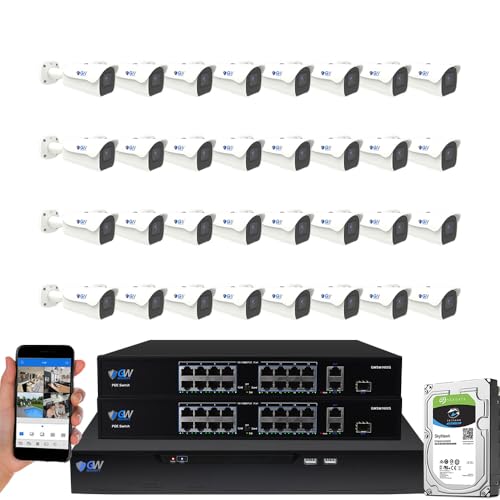
8-Megapixel with 3840x2160 Ultra High Resolution 4K Video & Audio 32 Channel 6K 12MP NVR Security Camera System with (32) 4K (8MP) Weatherproof 2.8-12mm Motorized Zoom H.265+ PoE IP Bullet Camera

64 CHANNEL SECURITY CAMERA SYSTEM: This system has 48pcs 4K/8MP 2.8mm fixed lens PoE IP cameras with built-in microphone, IP67-rated waterproof for indoor and outdoor use. The 4K 64CH NVR of this system comes with 2X 8TB hard drive. it has 8 SATA port to expand to total 80TB storage space.
Eliminate False Alarms Using Confidence Score Filters
Have you ever set up an object detection system only to find it’s detecting things that aren’t there? It can be frustrating! A big part of getting accurate results lies in choosing the right confidence score thresholds. Start with a baseline threshold of 75%. This helps filter out those uncertain detections while still keeping it reliable in different lighting, angles, and distances. It’s all about ensuring that only the most certain identifications set off your automation routines.
When you’re putting these filters into action, consider adjusting the thresholds based on the specific types of objects you’re monitoring and the environment. For instance, you might want to set person detection at 80% but allow package detection down to 70%. This kind of tailored approach can significantly cut down on false alarms triggered by things like shadows or reflections that lead to low confidence scores. So, how do you find the right balance?
The best part is, as you adjust these thresholds, you’ll notice a big difference in performance. Fewer false alarms mean less frustration and more efficient monitoring. Plus, you’ll feel more confident knowing your system is accurately detecting what it should be. Honestly, it’s all about trial and error until you find that sweet spot.
In the end, fine-tuning your confidence scores can make a world of difference in the way your detection system works. What adjustments are you planning to test out?
Maximize Detection Speed With Local Processing Hardware
Are you tired of waiting for your object detection system to catch up? It can be frustrating when you need instant results, and the processing lags. The good news is that where you process your video feed can make a big difference.
Try using edge AI hardware like the Coral Dev Board or NVIDIA Jetson Nano right at your camera spots. This way, the video streams are analyzed on-site, which cuts down on those annoying delays from cloud services. When you have multiple camera feeds, it’s smart to centralize the processing with a dedicated server equipped with a powerful GPU. This not only handles workloads more efficiently but also keeps response times down to just milliseconds.
So, why does this matter? If you’re dealing with something time-sensitive like doorbell notifications or security alerts, every second counts. Plus, processing locally can reduce power usage and make your system more reliable. Real-time automation is definitely a must-have for those critical moments.
In short, using local processing hardware can really boost your detection speed. What’s your current setup looking like?
Recommended Products

🔥【2026 Autel MaxiSYS Ultra S2 with 2 Years Updates Real AI Scanner】Built to redefine professional diagnostics, Autel Ultra S2 AI scanner combines cutting-edge hardware with intelligent AI-driven capabilities for fastest, smartest repairs: Featuring a 13.7'' display, 13 OS, 8-core processor, 12GB+ 512GB, and 16MP camera. Equipped with advanced AI functions: Data-Driven PID Analysis, Topology 3.0 dynamic network mapping, 6IN1 VCMI2, AI-powered DVI, and “MAX” voice assistant.📌NOTE: This Autel Ultra S2 is South American Version has 2-year f-ree updates (worth 4000+ bu-cks), WITHTOU 1 year Motor TruSpeed Repair (Only worth 650bu-cks). If any questions, please 💌autelusa @ outlook. com.
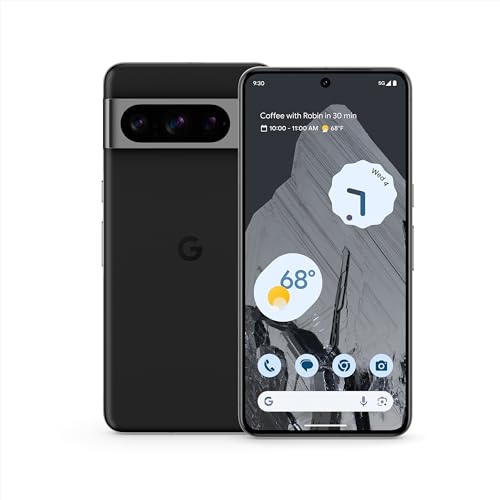
Pixel 8 Pro is the all-pro phone engineered by Google; it’s super fast, powerful, and secure, with the new Google Tensor G3 chip that’s custom-designed with Google AI for cutting-edge photo and video features and smarter ways to help[1]
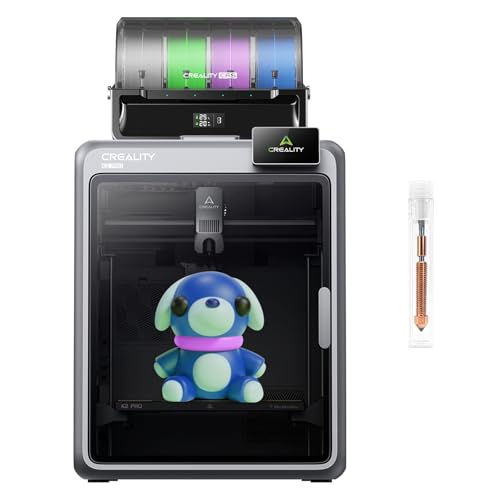
【Epic Print Speed & High Precision】 Experience incredible printing speeds of up to 600mm/s with precision as fine as 0.05mm. The K2 Plus is designed for rapid prototyping without compromising on quality, bringing your ideas to life faster.
Frequently Asked Questions
Can Object Detection Distinguish Between Family Members and Unknown Visitors?
Standard object detection can’t differentiate between family and strangers—it’ll simply spot “person.” However, I’d need face recognition functionality for familial identification methods. Face recognition accuracy varies, but dedicated systems distinguish known faces from unknown visitors effectively.
What Happens When Internet Connectivity Fails During Object Detection?
I’ll reassure you that local object detection systems continue operating normally without internet. Your camera functionality and detection accuracy remain fully intact since processing happens on-device. Only cloud-based notifications or remote access features would temporarily become unavailable during outages.
How Much Storage Space Is Needed for Conditional Recording Systems?
I’ve seen storage requirements plummet dramatically with conditional systems! You’ll need vastly less space since recording duration depends solely on actual detections. Storage optimization means days of footage require mere gigabytes instead of terabytes with continuous recording.
Can Object Detection Work Effectively Through Windows or Glass Doors?
I’d recommend positioning cameras outside or using dedicated outdoor units. Window transparency effects and glass reflection challenges greatly degrade detection accuracy—reflections, glare, and weather conditions create false positives while obscuring actual objects you’re trying to identify.
What Privacy Concerns Exist When Using AI Cameras Indoors?
I’ll identify primary privacy problems: perpetual personal monitoring poses serious video surveillance ethics issues. Indoor monitoring implications include captured conversations, behavioral tracking, guest discomfort, and potential data breaches—especially when systems aren’t locally processed or properly secured.